Log in to your Ecart Pay account.
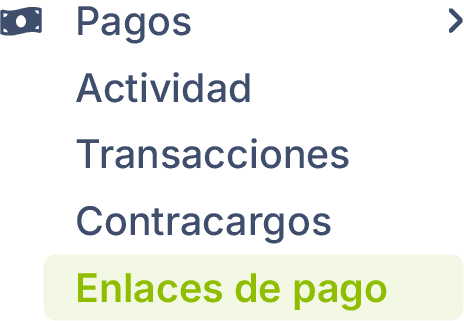
Go to Payments > Payment Links.
Click on New.
Complete the form with the options that best suit your needs.
Click on Save.
Name of your payment link:
Give a name to your payment link to identify it.
Currency
Define the currency in which the payment will be processed. The default value is MXN.
Usage limit:
Check the box to make the link unlimited, or uncheck it and define the allowed number of uses.
Add the products or services you want to charge:
Name: Enter the name of the product (for example, Blue shirt).
Quantity: Indicate how many units you will include.
Price: Enter the price per unit.
Availability of the payment link:
Start date: Day when the link is enabled.
Time: Moment when availability begins.
Check the box Choose end date if you want to limit its validity.
Shipping cost:
Check the box if your link includes shipping and add the shipping cost amount.
Installment payments:
Enable or disable the installment payment option for the payment link.