To embed a Youtube video, add the URL to the properties panel.
Log in to the admin panel of your WordPress website.
Go to the side menu and select Plugins > Add New.
In the search bar, type Ecart Pay.
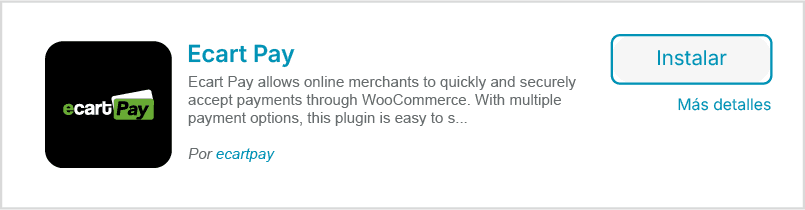
Click on Install Now, and once the installation is complete, select Activate.
You will see the Ecart Pay plugin in your list of active plugins.
Then, go to the WooCommerce > Settings > Payments menu.
Locate Ecart Pay and click on Manage.
In the API Credentials section, you will need to enter your public key and private key.
• Click in the blue area to obtain your keys — you will be redirected to ecartpay.com
• Log in to your account and go to Integrations > API.

• Copy your keys and paste them in the corresponding field within WooCommerce.
Make sure the data is correct and click on Save Changes.
Your Woocommerce store is integrated with Ecart Pay.
You can now receive payments, view your transactions in real-time, and manage your orders.