Solutions
Integrations
Commission
Partners
Resources
Sign up
Log in
Months without interest
Offer your customers MSI, increasing payment flexibility and promoting higher amount purchases.
Last updateOctober 30, 2025
With Installment Payments (months with no interest), your customers can divide their purchase into monthly payments.
Months with no interestYour customers can pay in installments at no additional cost; the fee is covered by you and is deducted from your sales.
Deferred paymentsThey incur no cost to you; your customers assume an additional fee for splitting their purchase into months.
To encourage larger purchases.
To offer more payment flexibility to the customer.
To run promotions during peak season.
ℹ️ Note:This benefit is only available with the payment processor Ecart Pay.
Log in to your Ecart Pay account.
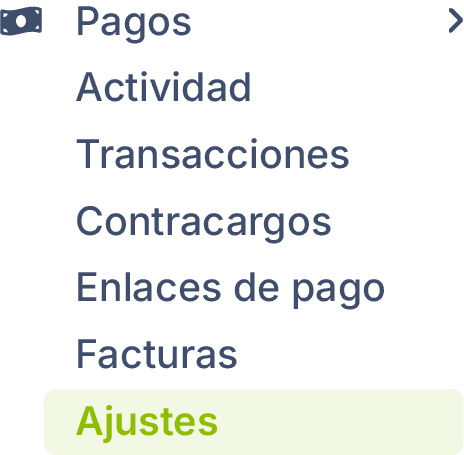
Go to Payments > Settings.
Payments > Settings
Select your payment provider Ecart Pay.
Click on Months with no interest.
Activate months with no interest payments and deferred payments.
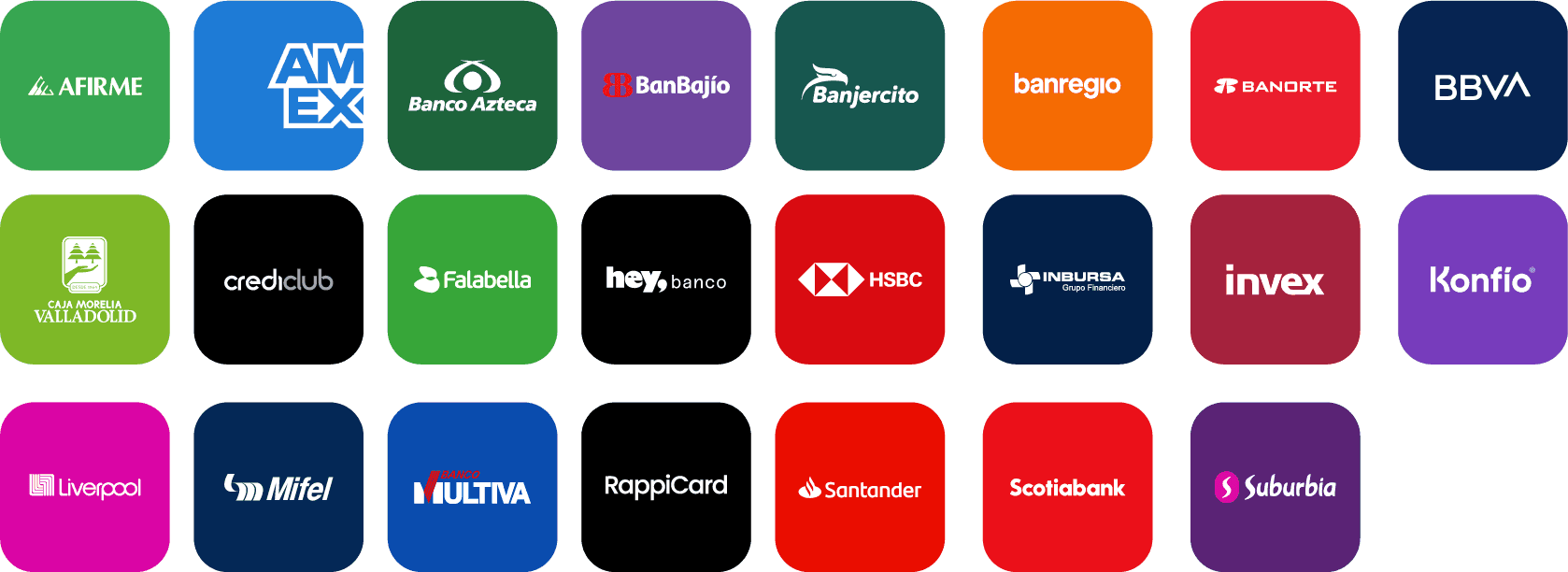
Configure the terms and payment methods you want to offer, and review the applicable fee for each:
Mastercard and Visa:
Available terms: 3, 6, 9, 12, and 18 months.
Set a minimum amount for installment purchases.
American Express:
Available terms: 3, 6, 9, 12, 15, 18, 21, and 24 months.
No minimum amount required.
Click on Save.
Previous
Next
Related to Solutions
© 2026 Ecart Pay, S.A.P.I. de C.V. All rights reserved
support@ecartpay.com
|
sales@ecartpay.com
(+52) 81 2352 8962
Privacy policy
Code of ethics
Cookie Policy
Terms and Conditions