logo

Solutions

Integrations

Commission

Partners

Resources

Sign up

Log in

EN
logo

Account settings

Set up your notifications

Enable the notifications that best suit your operation and keep control of your account and your transactions.

Enable the notifications that best suit your operation and keep control of your account and your transactions.

Last updateFebruary 6, 2026

Where to configure your notifications?

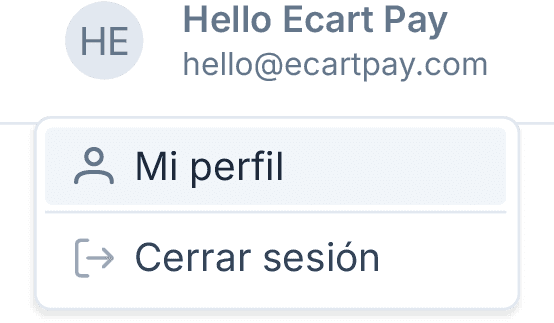
  1. In the top menu, click on Your user.


  2. Select My profile.


  3. Enter the Preferences section.


  4. Go to the Notification Preferences section.

Available notification types

From this section, you can turn on or off email notifications for the following events:

  • Withdrawals
    When a withdrawal is processed.

  • Orders received
    When you receive a new order.

  • Money sent
    When you send money.

  • Money received
    When you receive money.

  • Request sent
    When you send a payment request.

  • Request received
    When you receive a payment request.

💡 Recommendation
We recommend keeping all notifications turned on to always stay updated on your account activity and not miss important updates about your transactions.

Previous

Account Language

Next

Payment processor

Related to Account settings

Account Language

How to change your profile picture

Change or reset your password

© 2026 Ecart Pay, S.A.P.I. de C.V. All rights reserved

support@ecartpay.com

|

sales@ecartpay.com

(+52) 81 2352 8962

Privacy policy

Code of ethics

Cookie Policy

Terms and Conditions

© 2026 Ecart Pay, S.A.P.I. de C.V. All rights reserved

support@ecartpay.com

sales@ecartpay.com

(+52) 81 2352 8962

Privacy policy

Code of ethics

Cookie Policy

Terms and Conditions

© 2026 Ecart Pay, S.A.P.I. de C.V. All rights reserved

support@ecartpay.com

|

sales@ecartpay.com

(+52) 81 2352 8962

Privacy policy

Code of ethics

Cookie Policy

Terms and Conditions