Solutions
Integrations
Commission
Partners
Resources
Sign up
Log in
Account settings
Account Language
Set the language of your Ecart Pay account to navigate the platform in your preferred language.
Last updateOctober 30, 2025
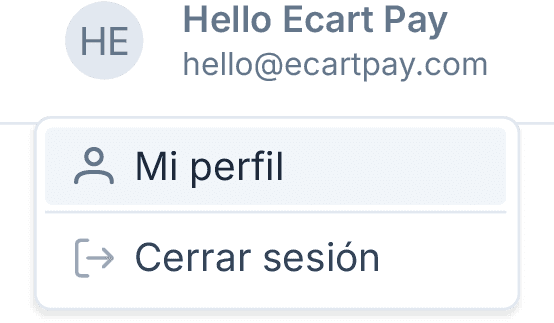
In the top menu, click on Your user.
Your user
Select My profile.
My profile
Go to the Preferences section.
Preferences
Navigate to the Account Preferences section.
Account Preferences
You can currently choose between the following languages:
Spanish
English
💡 You can change the language of your preference at any time and the change will be applied automatically across your account. No need to confirm or save changes.
Previous
Next
Related to Account settings
© 2026 Ecart Pay, S.A.P.I. de C.V. All rights reserved
support@ecartpay.com
|
sales@ecartpay.com
(+52) 81 2352 8962
Privacy policy
Code of ethics
Cookie Policy
Terms and Conditions