Solutions
Integrations
Commission
Partners
Resources
Sign up
Log in
Account settings
How to change your profile picture
Update your profile picture on Ecart Pay to keep your account personalized and easy to identify.
Last updateFebruary 6, 2026
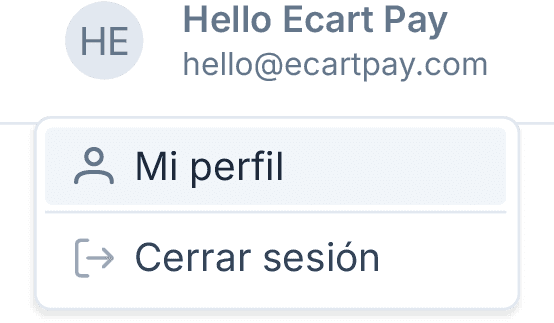
In the top menu, click on Your user.
Your user
Select My profile.
My profile
Enter the Personal information section.
Personal information
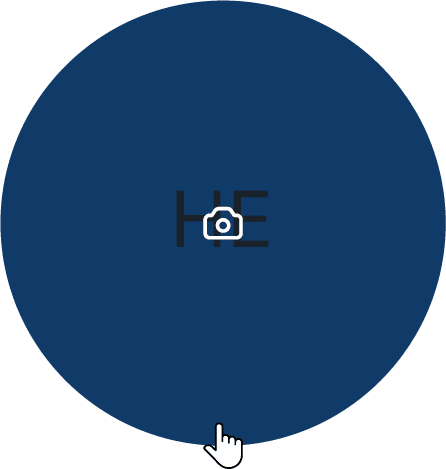
If you have never uploaded a photo, you will see the initials of your account name as the default image.
Click on your profile picture.
Select an image from your device.
The photo will be updated automatically.
💡 You can upload images in JPG, PNG, GIF, or WEBP formats, with a maximum size of 5 MB. There are no dimension restrictions, but for better viewing, we recommend using a square image.
When finished, you will see the message: “Profile picture updated successfully.”
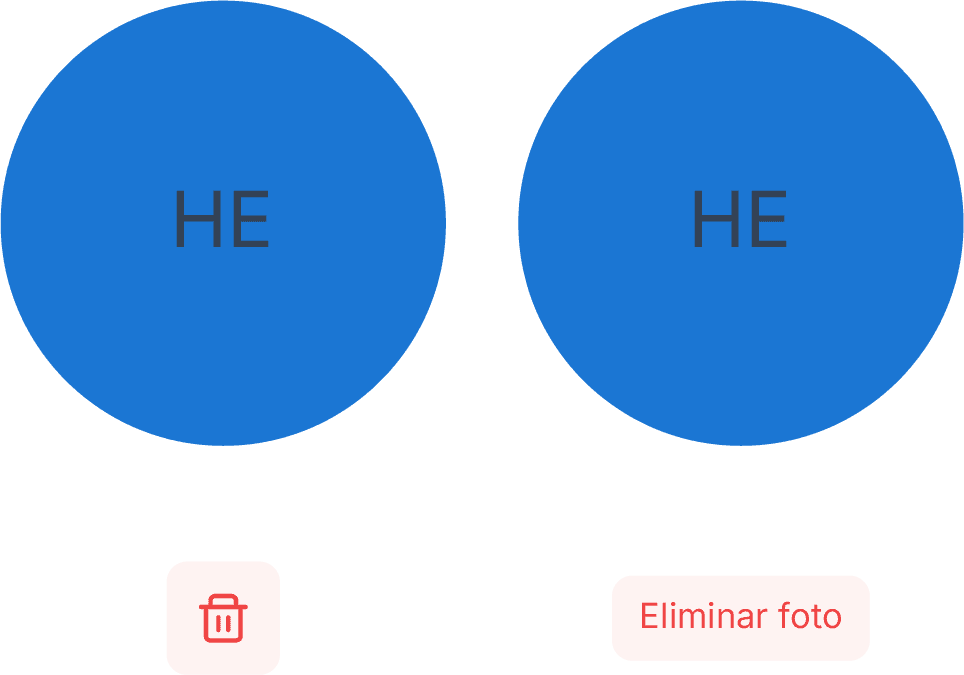
Below your photo, the trash can icon will appear.
Click and the Delete photo button will appear.
Confirm the action by clicking again.
Once deleted, the message will appear: “Profile picture deleted successfully.”
Your account will revert to showing the initials of the name by default.
Previous
Next
Related to Account settings
© 2026 Ecart Pay, S.A.P.I. de C.V. All rights reserved
support@ecartpay.com
|
sales@ecartpay.com
(+52) 81 2352 8962
Privacy policy
Code of ethics
Cookie Policy
Terms and Conditions